
Windows 10 Is End-of-Life: Upgrade Options for Florida Businesses
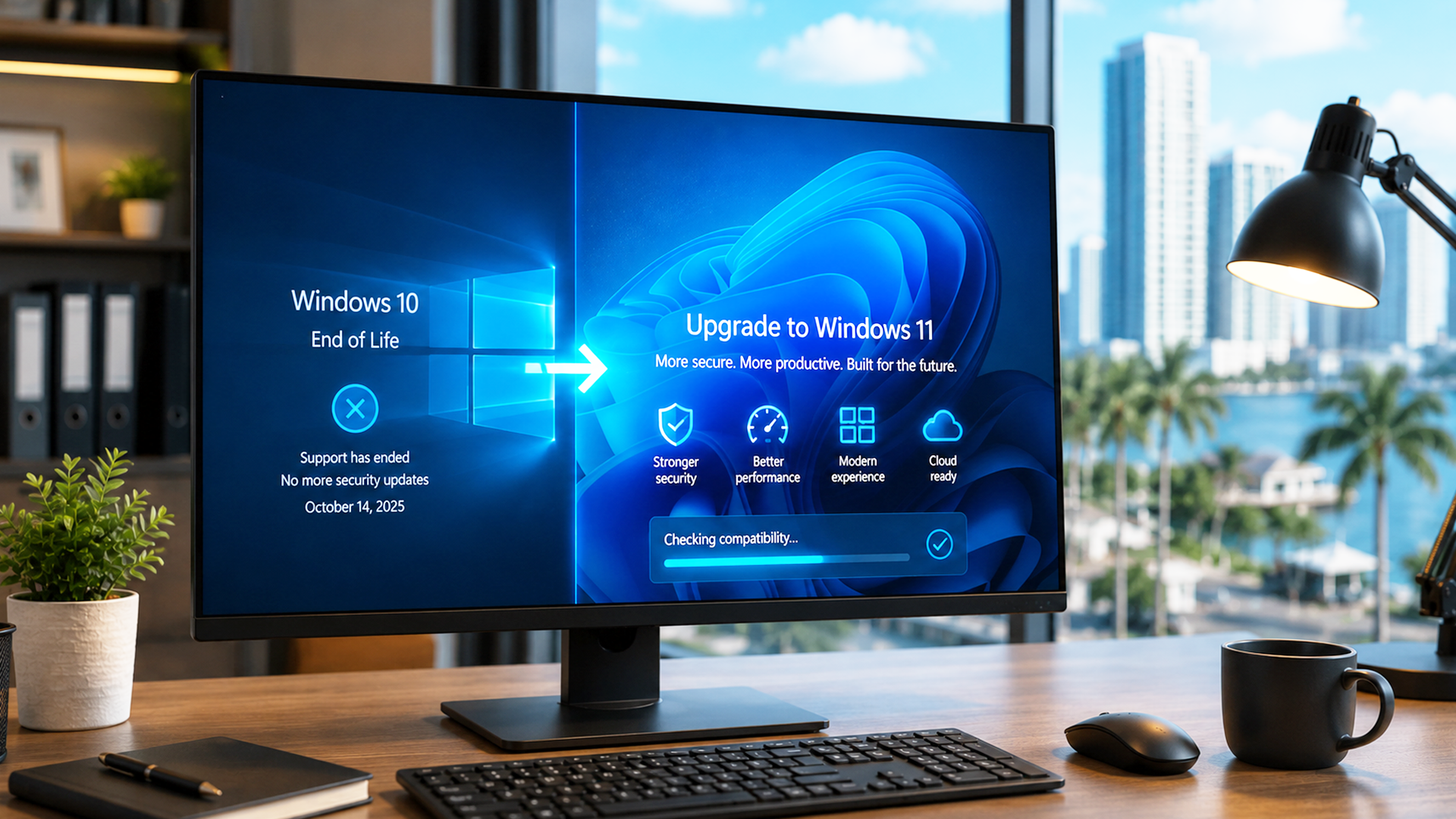
Microsoft officially ended support for Windows 10 on October 14, 2025. If your business is still running it, your machines are no longer getting security patches, which means every day you wait adds real risk.
This isn’t a theoretical deadline anymore. It has already passed. The question now is how quickly you move, not whether you should.
Here’s what Florida businesses need to know about the risk, the upgrade paths, and how to make the transition without disrupting day-to-day operations.
Quick Answer
- Windows 10 stopped receiving security updates on October 14, 2025.
- Unpatched systems become easier targets for ransomware and malware over time.
- Microsoft’s Extended Security Updates (ESU) program buys limited extra time, at a cost, and only for a few years.
- Most modern business PCs can upgrade to Windows 11 for free, if the hardware meets the requirements.
- Older hardware may need to be replaced rather than upgraded.
- The safest path is an inventory and compatibility check, then a planned rollout, not a scramble.
Why It Matters in 2026
An operating system without security updates is a growing liability, not a fixed one. Every newly discovered vulnerability in Windows 10 from this point forward will never be patched. That gap widens every month.
For Florida businesses specifically, this matters more than the national average suggests:
- South Florida sees a high volume of ransomware targeting healthcare, legal, and hospitality businesses
- Cyber insurance carriers increasingly ask about supported operating systems during underwriting and claims
- Compliance frameworks like HIPAA and PCI-DSS assume systems are running supported, patchable software
Running unsupported software can affect your insurance coverage, your compliance standing, and your exposure to attack, all at once.
What “End of Life” Actually Means
No More Security Patches
When a vulnerability is discovered in Windows 10 now, Microsoft will not release a fix for it. Attackers actively look for unpatched, end-of-life systems because they know the door stays open.
No More Technical Support
Microsoft will no longer troubleshoot Windows 10 issues. Software vendors are also gradually dropping Windows 10 compatibility for new releases.
Compliance and Insurance Exposure
Many compliance frameworks and cyber insurance policies require supported software as a baseline control. Running Windows 10 past its support date can put both at risk, sometimes without you realizing it until a claim or audit.
“QIT has been there to help me make some huge changes in my business. When we moved across state lines they coordinated everything for us. When we migrated to the cloud, they held our hand. They’re not like other IT companies, they actually pick up the phoneand solve the problems.”

RICK B
Best of Everything
Extended Security Updates (ESU): A Bridge, Not a Fix
Microsoft offers a paid Extended Security Updates program for organizations that need more time. It’s worth understanding, but it should be treated as a short bridge, not a long-term plan.
- ESU provides critical and important security patches only, not new features or general support
- Pricing increases each year the program is used
- Coverage is capped, it does not extend indefinitely
- It buys time to plan and execute a proper migration, not a reason to delay indefinitely
Your Upgrade Path Options
Option 1: Upgrade Eligible Devices to Windows 11
If a PC meets Windows 11’s hardware requirements, upgrading is typically the fastest and most cost-effective path. Key requirements include:
- A compatible 64-bit processor
- TPM 2.0 (Trusted Platform Module)
- UEFI with Secure Boot capability
- At least 4GB of RAM and 64GB of storage (more is recommended for business use)
Option 2: Replace Incompatible Hardware
Older machines that don’t meet Windows 11’s requirements, especially anything built before 2018, generally can’t be upgraded and need to be replaced. This is common enough that it should be planned for as a budget line item, not a surprise.
Option 3: Extended Security Updates as a Bridge
For a small number of legitimate holdouts (specialized software that hasn’t been certified on Windows 11, a hardware refresh already scheduled for next year), ESU can buy short-term coverage while the real plan gets executed.
Option 4: Cloud-Based Windows (Virtual Desktops)
For some businesses, especially those with a mix of aging hardware and remote staff, moving to a cloud-hosted Windows 11 environment removes the hardware compatibility question entirely. Worth evaluating if a hardware refresh cycle is already on the table.
Step-by-Step Migration Framework
- Inventory. Identify every device still running Windows 10 across your business, including remote and field staff.
- Compatibility check. Determine which devices meet Windows 11’s requirements and which don’t.
- Prioritization. Rank devices by risk: those handling sensitive data or customer-facing systems move first.
- Rollout. Upgrade eligible devices in planned batches, and order replacements for incompatible hardware with enough lead time to avoid a rush.
- Verification and monitoring. Confirm every device is fully updated and receiving current patches, then monitor for stragglers that get missed.
Why This Is a Job for Your MSP, Not a DIY Weekend
A full Windows 11 migration touches every device, every application dependency, and every user’s workflow. Handled without a plan, it creates its own downtime.
- Assessment before action: A proper inventory catches devices IT teams often don’t know are still in use, including forgotten laptops and back-office machines.
- App compatibility testing: Line-of-business software sometimes needs configuration changes to run cleanly on Windows 11.
- Data protection during the transition: Backups before any hardware swap or in-place upgrade are non-negotiable.
- Minimal disruption scheduling: Staggered rollouts during off-hours or slower periods keep staff productive during the switch.
- Budget planning: Spreading hardware replacement costs over a planned timeline is far easier on cash flow than an emergency purchase after a breach.
Real-World Scenarios
- Medical office: Patient record systems and HIPAA obligations mean unsupported operating systems are a compliance risk, not just a technical one. Priority migration for anything touching patient data.
- Law firm: Client confidentiality and e-discovery obligations make an unpatched machine a liability well beyond IT, it becomes a professional responsibility issue.
- Retail location: Point-of-sale terminals often run older, purpose-built hardware. These frequently need replacement rather than upgrade, and should be budgeted for early.
- Professional services firm: A mostly-modern fleet with a handful of older laptops still in use by long-tenured staff. The easy case, but the one most likely to get missed without a full inventory.
- Manufacturing floor: Specialized software tied to older machines may not yet be certified for Windows 11. These are the legitimate cases for a short ESU bridge while compatibility is confirmed.
FAQs
It’s increasingly risky. Without security patches, new vulnerabilities discovered from this point forward will never be fixed on Windows 10 systems
Effectively no. New business hardware now ships with Windows 11, and Windows 10 licensing is being phased out.
If your hardware qualifies, the upgrade itself has no licensing cost. The real cost is IT labor for testing and rollout, plus hardware replacement for machines that don’t qualify.
Your systems keep running, but every new vulnerability found in Windows 10 stays open permanently. Over time, this significantly increases the odds of a successful attack, and may affect your compliance and insurance standing.
It depends on fleet size and hardware age, but a phased rollout for a small or mid-sized business typically takes a few weeks to a couple of months when planned properly.
No. It’s designed as a short, increasingly expensive bridge. Treat it as extra planning time, not a substitute for migrating.
The Bottom Line
Windows 10’s support window has closed. The businesses that come out ahead are the ones that treat this as a planned project: inventory, prioritize, upgrade or replace, and verify, rather than the ones that wait for an incident to force the issue.
Request a Windows 11 readiness assessment from QIT Solutions and get a clear picture of what needs to move, what needs replacing, and what it will cost, before it becomes an emergency.
Ready to get your business off Windows 10 safely? Schedule an appointment with QIT Solutions today.
Get started today with a consultation and discover how AI can transform your operations. Visit:QIT Solutions and explore AI-ready IT solutions tailored for your business.