
What Is a Managed IT Service Provider? A Buyer’s Guide
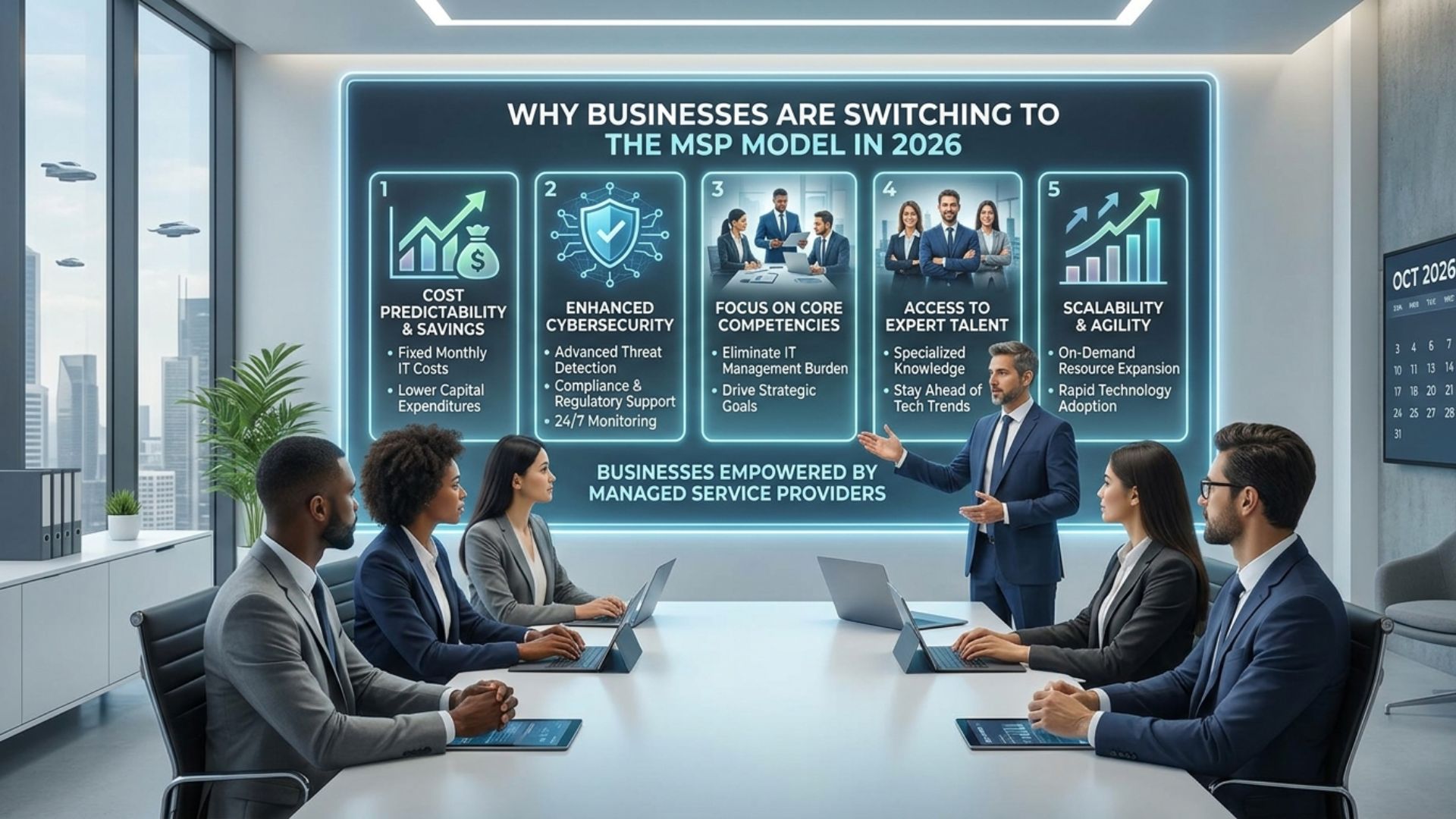
A managed IT service provider handles your technology for a fixed monthly fee instead of billing you every time something breaks. That is the whole idea. What “handles your technology” covers varies enormously between providers, and the differences tend to surface only when you need something.
Here is what the model actually involves, what it replaces, and how to tell a good provider from an expensive one.
What a managed IT service provider does
Most agreements cover the same core functions, though the depth varies:
- Monitoring your systems around the clock and responding to problems before you notice them
- A help desk your staff can reach when something stops working
- Patching and updates on a schedule, including third-party software rather than just Windows
- Security tooling and the people who watch what it reports
- Backup, and a tested plan for getting your business running again after something goes badly wrong
- Vendor management, so you are not the one on hold with your internet provider
- Planning, budgeting, and a roadmap for what needs replacing when
The last one is where providers differ most. Anyone can fix a printer. Fewer will sit down with you in October and explain which servers reach end of support next year and what that costs.
How it differs from calling someone when things break
Under a break-fix arrangement, your IT company makes money when your technology fails. Nobody says it that way, but the incentive is real. Prevention is unbillable.
Under a managed agreement the incentive flips. The provider is paid the same whether your month is quiet or chaotic, so a stable environment is in their interest as much as yours. That alignment is the actual argument for the model, more than any specific service in the list.
It also means the provider should be pushing you to fix things you have been putting off. If yours never does, you are paying for monitoring and getting break-fix.
Why businesses make the switch
Security stopped being optional
Cyber insurance carriers now verify controls rather than taking your word for it. Enterprise clients send security questionnaires to their vendors. Both trends push small businesses toward a level of security tooling and documentation that is difficult to maintain casually.
Downtime got more expensive
When most of your work happened in filing cabinets, a server outage was an annoyance. Now email, files, phones, and line-of-business applications all fail together, and the entire company stops.
Surprise invoices are hard to plan around
A predictable monthly number is easier to defend in a budget than an unpredictable one, even when the annual totals land in a similar place.
How to evaluate a managed IT service provider
Every provider will tell you they are responsive and proactive. These questions get past that:
- What is your average time to first response, and can you show me last quarter’s actual numbers rather than the SLA target?
- Who specifically answers at 11 p.m. on a Saturday, and are they your staff or a subcontracted answering service?
- What is included, and what generates a separate invoice? Ask for that in writing.
- How do you document our environment, and what happens to that documentation if we leave?
- How often will we sit down and review what is aging, what is at risk, and what to budget for?
- Can I talk to a client who has been with you more than three years, and one who left?
Watch for a few things. A provider who will not itemize is hiding something in the bundle. One who cannot produce response-time data is not measuring it. And an agreement that locks you in for three years with no exit is protecting them, not you.
When the model makes sense
Managed IT tends to fit once a business has roughly ten or more employees, depends on technology for daily operations, and has either compliance obligations or clients who ask about security.
Below that, hourly support from someone reliable is often adequate and cheaper. Above about 75 to 100 people, most companies run a hybrid, with internal staff who know the operation and a provider covering security, after-hours, and specialties. Our comparison of in-house IT versus managed services walks through where that line usually falls.
Frequently asked questions
What is a managed IT service provider? A company that takes ongoing responsibility for your technology under a fixed monthly agreement, covering monitoring, help desk, patching, security, and backup, rather than billing hourly when something breaks.
What does an MSP cost? Most small and mid-sized businesses pay $80 to $350 per user per month depending on how much security is included and how fast they expect a response. Our pricing breakdown covers what drives that range.
What is the difference between an MSP and an MSSP? An MSP manages your technology broadly. An MSSP focuses specifically on security operations. Many MSPs now include substantial security services, so ask what is actually covered rather than relying on the label.
Do we have to give up control of our systems? No. You own your data, your licenses, and your accounts. A provider administers them on your behalf, and any reasonable agreement says so in writing.
How long does onboarding take? Typically a few weeks. The provider documents your environment, deploys monitoring and security tools, and learns how your business runs before making meaningful changes.
What if we already have an IT person? Co-managed arrangements are common. Your internal person keeps the institutional knowledge and daily support while the provider handles security, monitoring, and projects.
Talk to a provider who will answer the hard questions
If you are evaluating providers, use the six questions above on all of them, including us. The answers will separate the field faster than any brochure.
QIT Solutions supports businesses across West Palm Beach, South Florida, and Atlanta with itemized billing and documentation you keep if you ever leave.
See our managed IT services, schedule a consultation, or call 1-844-855-4748.