
Ransomware Protection for Small Business: What Actually Works
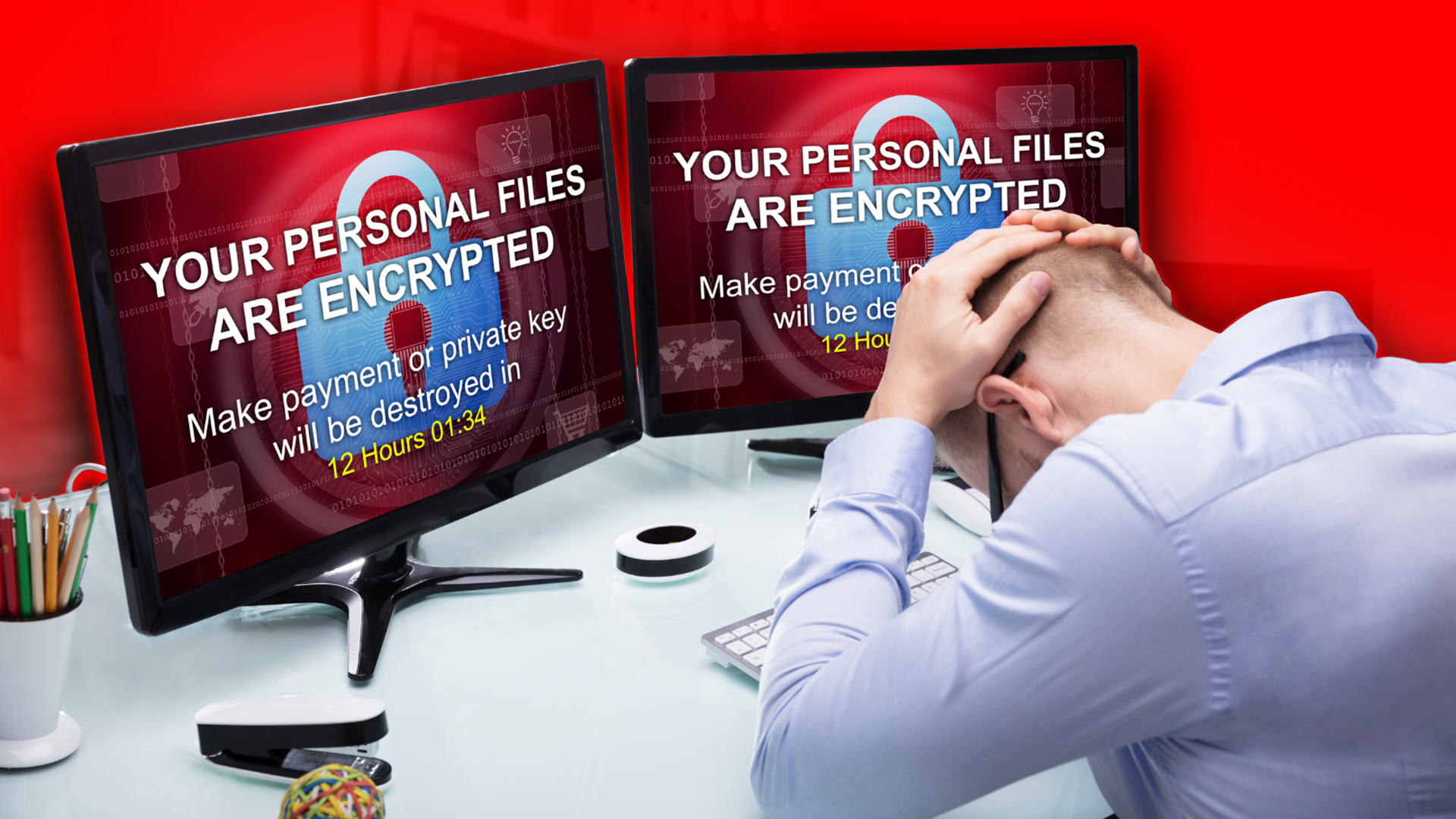
Ransomware rarely announces itself. Someone clicks a fake invoice or a missed-delivery notice, and nothing appears to happen. The attacker spends the next few days or weeks quietly mapping your network, finding your backups, and deciding what to take before anything gets encrypted.
By the time you see a ransom note, the decision points that mattered are already behind you.
Why small businesses get targeted
A common assumption is that attackers go after large organizations. They go after reachable ones.
Ransomware-as-a-service changed the economics. Criminal groups now rent out ready-made toolkits to affiliates who do not need to write code, which means the number of people capable of running an attack grew enormously. When the tooling is cheap and largely automated, a 30-person firm with partial MFA coverage is a better return on effort than a hospital system with a security team.
Small and mid-sized businesses also tend to have shorter tolerance for downtime and less ability to absorb it, which makes them more likely to pay.
How ransomware actually gets in
Most ransomware does not break in. It gets invited.
- Phishing. Still the most common entry point. Generative AI removed the spelling errors and awkward phrasing people were trained to look for, so a fake vendor invoice now reads exactly like a real one.
- Stolen credentials. A password reused from a breached personal account, tried against your VPN or webmail. This is why MFA coverage matters more than password complexity rules.
- Unpatched systems. Internet-facing services with known vulnerabilities get scanned constantly. The window between a patch being published and attacks starting is now measured in days.
- Remote access left exposed. RDP open to the internet, or a VPN without MFA in front of it.
- Your vendors. Compromising one software provider or IT partner can reach every business connected to them, which is why vendor access deserves the same scrutiny as employee access.
Why paying does not end it
Double extortion is now the standard model, and it changes the math on backups.
Attackers copy your data out before encrypting anything. Then they hold two things over you: the encryption key you need to resume operating, and the threat of publishing what they took. Paying for the key does nothing about the copy they still have.
That means excellent backups solve the outage but not the disclosure. If the stolen data includes client records, patient information, or anything covered by a regulation, you have a breach notification obligation whether or not you ever lose access to a file. Regulators and clients tend to be less interested in how quickly you recovered than in what left the building.
Paying also carries no guarantee. Decryption tools supplied by attackers are frequently slow, incomplete, or corrupt some of the data they are meant to restore.
What actually stops it
No single control prevents ransomware. The goal is to make each stage of an attack harder than the last, so an attacker either gets caught in the middle or decides you are not worth the effort.
Close the entry points
- Multi-factor authentication enforced everywhere, with no exceptions carved out for executives or service accounts
- Patching on a schedule somebody owns, covering third-party software as well as Windows
- Advanced phishing filtering beyond what shipped with your mail platform
- No remote access exposed directly to the internet
Limit what one compromised machine can reach
- Endpoint detection and response rather than consumer antivirus. EDR watches behavior and can isolate a machine while an attack is running. Signature-based antivirus misses anything it has not seen before.
- Network segmentation, so the reception desk cannot reach the server holding financial records
- Administrative accounts kept separate from daily-use accounts
Make recovery boring
Attackers hunt for backups specifically, because a business that can restore does not need to pay. Backups reachable from the network they just compromised get encrypted along with everything else.
- At least one copy offsite and immutable, so it cannot be altered or deleted even with valid credentials
- Microsoft 365 backed up separately, since replication is not the same as recovery
- A real restore tested in the last 90 days. Not a green checkmark in a dashboard. An actual file pulled back and opened.
Watch when nobody is looking
The dwell time between initial access and encryption is where an attack can still be stopped. That window is usually days, and it usually ends on a Friday night or a holiday weekend, chosen deliberately.
Monitoring that nobody reads is not monitoring. Somebody has to be expected to act on the alert at 2 a.m.
Train people to report fast
Firewalls do not click links. Training matters, but the part most businesses get wrong is the reporting culture. The minutes between a click and a report are where containment is still cheap. Staff who expect to be blamed stay quiet, and quiet is expensive.
Write the plan before you need it
When ransomware hits, nobody performs well improvising. Decide these in advance and write them down:
- Who has authority to disconnect systems, and can they do it without waiting for approval?
- Who calls the cyber insurance carrier? Most policies require notification within a set window, and many require you to use their approved responders.
- Who talks to clients, and what do they say on day one before anyone knows the scope?
- Who contacts law enforcement, and do you have the number already?
- Where is this plan stored so it is readable when the network is down? A document on the encrypted file server is useless.
Then walk through it out loud with the people named in it, at least once a year.
What being unprepared costs
The ransom is rarely the largest number. Downtime while systems are rebuilt, forensic investigation, legal advice, breach notification, regulatory exposure, and clients who quietly move elsewhere all stack on top.
There is also a claim risk people underestimate. Cyber insurers now verify the controls you attested to on your application. If you said MFA was enforced everywhere and it turns out finance was exempted, that is a problem at exactly the moment you need the policy to work.
Frequently asked questions
What is the best ransomware protection for a small business? There is no single product. The combination that works is enforced MFA, endpoint detection and response, patching somebody owns, immutable offsite backups with tested restores, and monitoring that runs outside business hours.
Should we ever pay the ransom? Paying does not guarantee usable decryption and does nothing about data already stolen. It is a decision for your insurer, your legal counsel, and your incident response team, and it should never be the first plan.
Will backups alone protect us? Backups solve the outage. They do not solve data theft, which is why double extortion exists. You still need to prevent the intrusion and detect it early.
Is antivirus enough? No. Antivirus matches known signatures. Endpoint detection and response watches behavior and can isolate a machine mid-attack, which is what stops spread.
How long do attackers sit in a network before encrypting? Often days, sometimes weeks. That dwell time is your window to catch them, and it is the entire argument for after-hours monitoring.
Does cyber insurance cover ransomware? Usually, subject to the controls you attested to on the application. Carriers verify those attestations when a claim comes in, so the documentation needs to match reality.
Find the gaps before someone else does
Most businesses hit by ransomware were not careless. They had antivirus, backups, and a firewall. What they did not have was MFA on one forgotten account, or a backup that had been failing quietly for months, or anyone watching on a Saturday.
Our cybersecurity checklist will surface the obvious gaps in about ten minutes.
QIT Solutions provides ransomware protection services to businesses across West Palm Beach, South Florida, and Atlanta, covering monitoring, endpoint security, immutable backup, and incident response planning.
See our cybersecurity services, schedule an assessment, or call 1-844-855-4748.