
Better Information, Better IT Support: How QIT Solutions Puts AI to Work
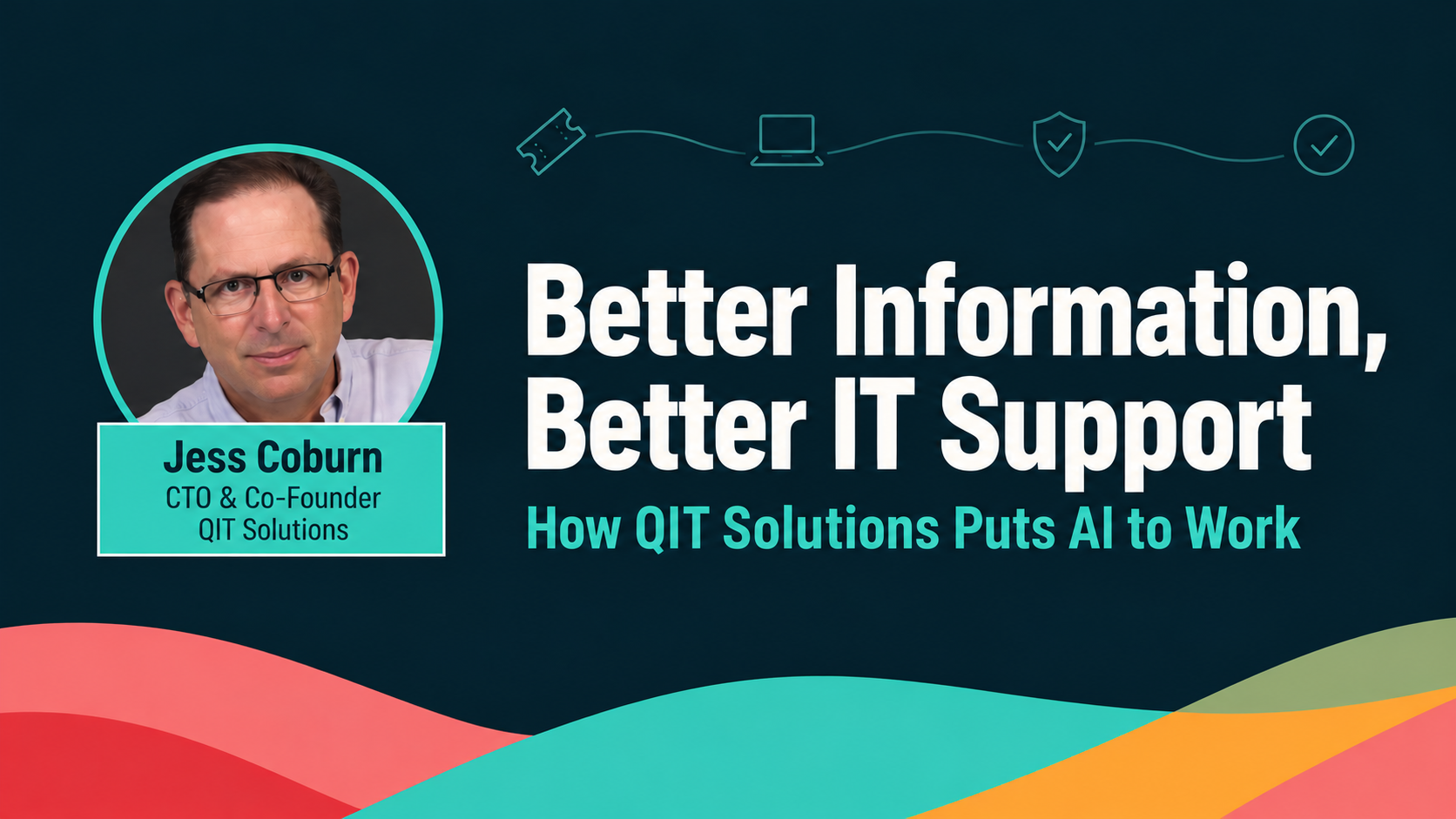
By the QIT Solutions team, featuring insights from Jess Coburn, CTO and co-founder
When someone needs IT support, the useful questions are straightforward. Who should handle the issue? What has already been tried? Does the technician have the information needed to help? Those are some of the questions guiding how we use AI at QIT Solutions.
Our CTO and co-founder, Jess Coburn, shared that work at Rewst’s FLOW 2026 conference in his session, From hype to helpdesk: how one MSP actually uses AI in production. He walked through the tools our team uses, the processes behind them, and the human judgment that keeps the work on track.
Start With a Process People Can Follow
Jess’s first point was about documentation. Before a task goes to an automation or an AI tool, people need to agree on how it should work, what information it needs, and what a successful result looks like.
He also drew a distinction between automation and AI. They often work together, but they fail in different ways. AI can produce a convincing answer that is wrong, which makes checking its work part of the process. His advice for getting started was simple: choose a small, time-consuming task with clear inputs and outputs, then assess the results before taking on something more complex.
Give the Helpdesk More Context
One of the clearest examples was Watchtower, a tool we built in-house. It began as a way to monitor technician time entries and grew into a system that helps with ticket categorization and assignment.
Before recommending how a request should be handled, Watchtower weighs several signals:
- The customer’s history and who the VIPs are
- The devices they use
- Previous tickets and the technicians who worked on them
- Technician availability and fit for that customer
Our dispatcher reviews that recommendation, approves it or makes changes, and sends the ticket on. Corrections feed back into the system to improve future recommendations, and the dispatcher always keeps the final say.
Make Client Information Easier to Use
Client reviews require information from several systems. Jess explained how we bring together data on patching, device history, security tools, and hardware lifecycles to prepare reports specific to each client.
Our partner success managers can retrieve that information themselves instead of asking a technician to gather it first. That gives them more direct access to the details needed for conversations about aging equipment, where a client’s security could be stronger, and upcoming priorities. Reusable AI instructions help keep the reports consistent, while our team remains responsible for checking the output.
Keep People Responsible for the Results
Jess returned throughout the session to the importance of human review. The guardrails he recommended for scaling AI safely:
- Start with read-only access, and grant permission to make changes only where it makes sense
- Log every action so the team can see what happened
- Stick to approved tools, with clear rules for handling data
- Give employees a separate test environment, never a client’s live systems
As he put it, giving someone an AI account is only the beginning. They still need training on how to question an answer, verify the information, and recognize when to step in.
Use AI to Support Better Training
The session also covered how we used AI to develop training around our Core 12 Fundamentals of Service Delivery. Jess described creating workbooks, slide decks, and video lessons to help employees learn in different ways.
That work led to a learning management system that supports training content, question banks, and AI coaching based on the course material. It connects AI adoption to a practical need: giving the team a shared understanding of good service and materials they can use to build those habits.
Watch the Full Session
Watch Jess’s full FLOW 2026 session below for a closer look at these workflows, the lessons behind them, and the audience Q&A on costs and implementation.
Jess also wrote The AI Owner’s Manual: A Practical Guide for Business Owners, available on Amazon in Kindle and paperback, and shares more of his writing at jesscoburn.com.
Ready to put AI to work without the risk? At QIT Solutions, we use AI the same careful way Jess described: helpful where it counts, with a person accountable for every result. If you’d like to see where safe, well-run automation could save your team time and tighten your support, schedule a free IT assessment and we’ll show you the best place to start. Schedule your free IT assessment.