
Free, business, or enterprise: which AI account your team should be on
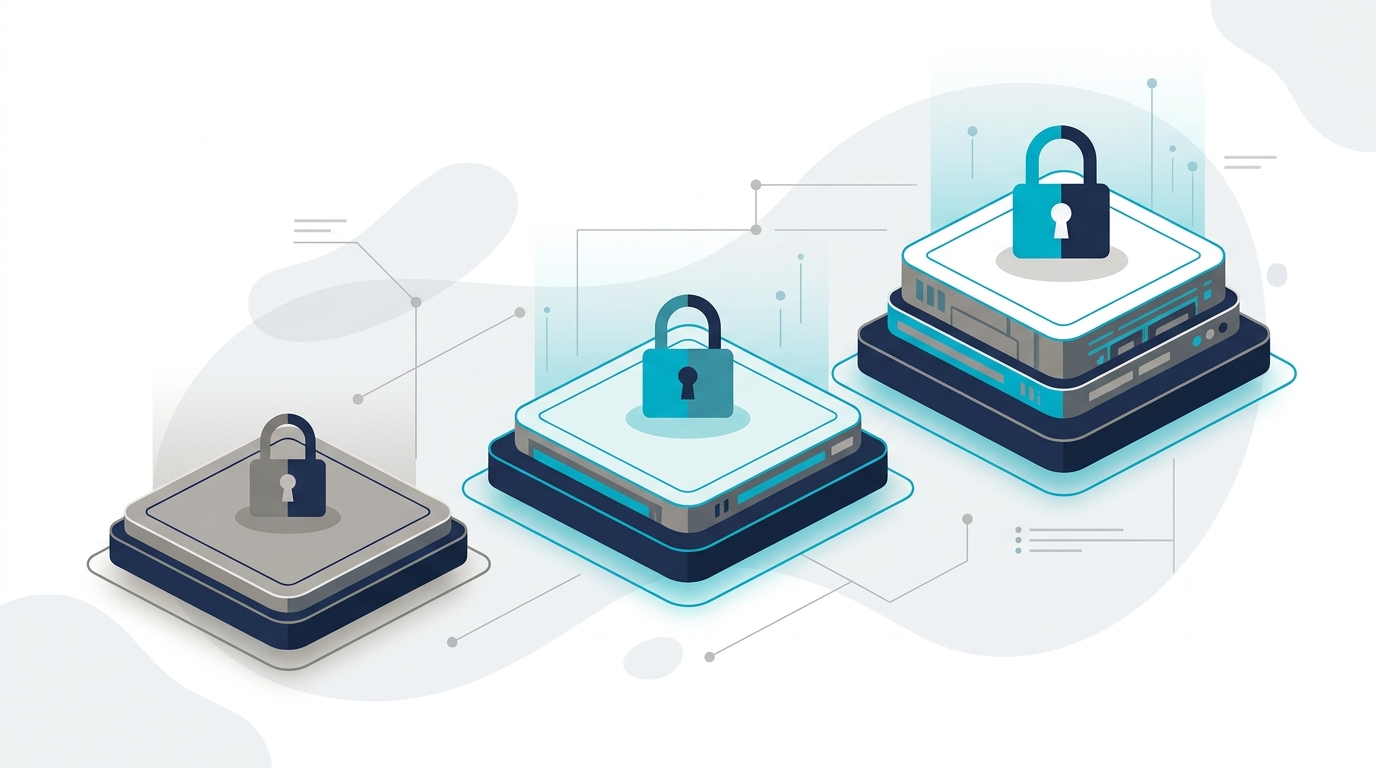
Table of Contents
- The account matters more than the chatbot
- What actually changes between tiers
- Free and individual paid accounts
- Business, which used to be called Team
- Enterprise
- Free, business, and enterprise side by side
- What this looks like for a typical small business
- It is not just ChatGPT
- Common questions
- Where to start
If you went looking for the ChatGPT Team plan recently and could not find it, you were not doing anything wrong. It is not called that anymore. OpenAI renamed it ChatGPT Business, and the plan itself changed along the way. That mix-up is a small preview of the bigger confusion sitting underneath this whole decision. Free, business, and enterprise AI accounts get talked about like they are the same product at three price points. They are not. The name on the login screen can be identical while the contract behind it is completely different.
This is the follow-up to our shadow AI guide, which put moving people to business accounts near the top of the list of fixes. Here is what that actually means, tier by tier, using ChatGPT as the working example since that is what most people are searching for when they land here.
The account matters more than the chatbot
Most of the comparison content out there argues about which AI writes better copy or answers harder questions. That is the wrong argument for a business owner to be having. The model behind the login screen updates every few months regardless of which plan you are on. What does not update on its own is the agreement you accepted when you signed up, and that agreement decides what happens to everything your team types into it.
Three questions cut through most of the confusion. Does your data train the model, can an administrator see and control what happens on the account, and what happens to that access when an employee leaves? The answers change by tier, not by which AI company you picked.
What actually changes between tiers
Free and individual paid accounts
A free ChatGPT account, and a personal Plus subscription at twenty dollars a month, are both consumer agreements. By default, what gets typed in can be used to improve the model, and there is an opt-out toggle buried in settings rather than a contractual guarantee. There is no administrator. There is no company visibility into who signed up or what they are using it for. If the employee who created the account leaves, the account and everything in it leaves with them, because it was never the company’s account to begin with.
None of that makes these tiers bad. It makes them personal tools that happen to be doing company work, which is a different thing.
Business, which used to be called Team
ChatGPT Business is the tier built for a company rather than a person. As of this writing, OpenAI prices it at twenty dollars per user per month billed annually, or twenty five billed monthly, with a two seat minimum. Check OpenAI’s business pricing page before you buy, since this number has moved more than once this year already.
The part that matters more than the price: data is excluded from model training by default, not as an opt-out you have to remember to flip. An administrator can see who has an account, add and remove seats, and set policy across the workspace. When someone leaves the company, the account stays and the seat gets reassigned, instead of walking out the door with them.
Enterprise
Enterprise sits above Business and does not have a published price. Getting a number means talking to a sales team. The figures that circulate in procurement discussions land in the neighborhood of fifty to seventy five dollars per seat. OpenAI does not publish an official seat minimum, but the number reported consistently enough to trust is around 150 seats, which puts a small business well outside the intended customer on its own. Enterprise adds things Business does not: single sign-on tied into your existing identity system, audit logs, data residency controls, sometimes compliance certifications required in regulated industries.
Most businesses in the twenty to two hundred employee range never need this tier. The jump from Business to Enterprise is usually about a specific compliance requirement, not about wanting a better chatbot.
Free, business, and enterprise side by side
| Free | Business (formerly Team) | Enterprise |
|---|---|---|
| $0 | ~$20-25/user/mo | Custom quote |
| Can train the model | Excluded by default | Excluded by default |
| No administrator | Admin console | Admin console, SSO, audit logs |
| Personal account | Company-owned | Company-owned, compliance added |
| Good for personal use | Fits most small businesses | Fits regulated or large enterprises |
The prices in that table are current as of this writing and will not stay that way forever. AI vendors have adjusted per-seat pricing multiple times this year. Confirm the number before you commit budget to it, and treat the structure of the table (what changes between tiers) as the part that ages well.
What this looks like for a typical small business
If two or three people are experimenting to see whether AI is useful at all, free accounts are a reasonable place to start. Just make sure nobody puts anything from the never list into one. That stage should be short.
The moment more than a couple of people are using it for real work, or anyone is touching customer, financial, or employee information, move to a business tier. The cost difference between free and Business for a ten-person team is roughly the cost of a nice lunch per person per month. That difference buys a real contract instead of a consumer agreement doing company work by accident.
Enterprise is worth a serious look once you have a specific reason. A client contract requiring SSO, an industry regulation demanding audit logs, or a legal team asking questions your current admin console cannot answer, all count. Buying it earlier than that mostly buys a bigger bill.
It is not just ChatGPT
Microsoft 365 Copilot and Claude’s business plans follow roughly the same shape. Each has a consumer-facing option with looser data terms, and a business tier priced per seat that adds admin controls and a no-training commitment. The exact numbers differ by vendor and change often enough that quoting them here would be stale within a quarter. The pattern is the useful, durable part. Look for the same three answers on any AI tool your team wants to adopt. The list stays the same: does data train the model, who administers the account, and what happens to it when someone leaves.
We cover the Microsoft 365 side of this in more detail in our guide to Microsoft 365 Business Premium pricing. Copilot licensing usually gets decided alongside the rest of that stack.
Common questions
Not under that name. OpenAI renamed it ChatGPT Business. If you see “Team” referenced in an older article or a coworker’s notes, they mean what is now called Business, and the current pricing page will only show Business.
No. Plus is an individual consumer subscription. It gets you a faster, more capable model. The data and administration terms stay the same as a free account unless you manually opt out of training in settings, and there is still no company-level administrator or control.
Not automatically. Business already excludes your data from training by default and gives you admin controls, which covers the core risk for most businesses handling sensitive information. Enterprise becomes relevant when a specific requirement demands it, such as a client contract mandating SSO or an industry regulation requiring audit logs and data residency guarantees Business does not provide.
One per person who will actually use it, not one per employee. ChatGPT Business has a two-seat minimum, so even a very small team can get onto a proper business account. Buying seats nobody uses is the most common way this budget gets wasted.
That is common and not a problem by itself. The rule is the same regardless of how many tools are in play. Whatever gets used for company work should be on a business or enterprise tier of that specific tool, not a personal account someone signed up for on their own.
Where to start
Pick the tool your team already leans on most. Check its current business tier pricing directly on the vendor’s page rather than trusting an article from six months ago, then move the people actually using it over this month. That single move, more than any policy document, is what gets company data off personal accounts and onto ones you can actually see and control.
If you want a second opinion on which tier actually fits what your team is doing, our team can take a look at what you already have running and tell you straight whether it is worth changing. No pitch, just an honest answer.